Table of Contents
A drop in organic traffic is stressful because revenue usually follows it. The cause is rarely one thing, and guessing wastes weeks. A structured ecommerce SEO audit finds the cause faster by working from the most common problems to the least common.
This guide gives you 12 things to check when your organic traffic drops, in the order that saves the most time, with examples from real stores. It is written for ecommerce owners and marketers who have access to Google Search Console and analytics.
📌 TL;DR:
- Start by proving where the drop happened, because a sitewide fall and a single collection fall have different causes.
- Rule out tracking errors, indexing problems and blocked crawling before you touch any content.
- Redirects, page speed, duplicate URLs and thin collection pages are the most common causes in ecommerce.
- Backlinks, lost rankings and changes in the search results, including AI Overviews, complete the audit.
- Fix in order of revenue impact and recheck Search Console after each change.
What Should You Check First in an Ecommerce SEO Audit?
Check whether the drop is real, where it sits and whether Google can still index your pages. These three checks take under an hour and rule out the causes that waste the most time.
1. Confirm where the drop happened
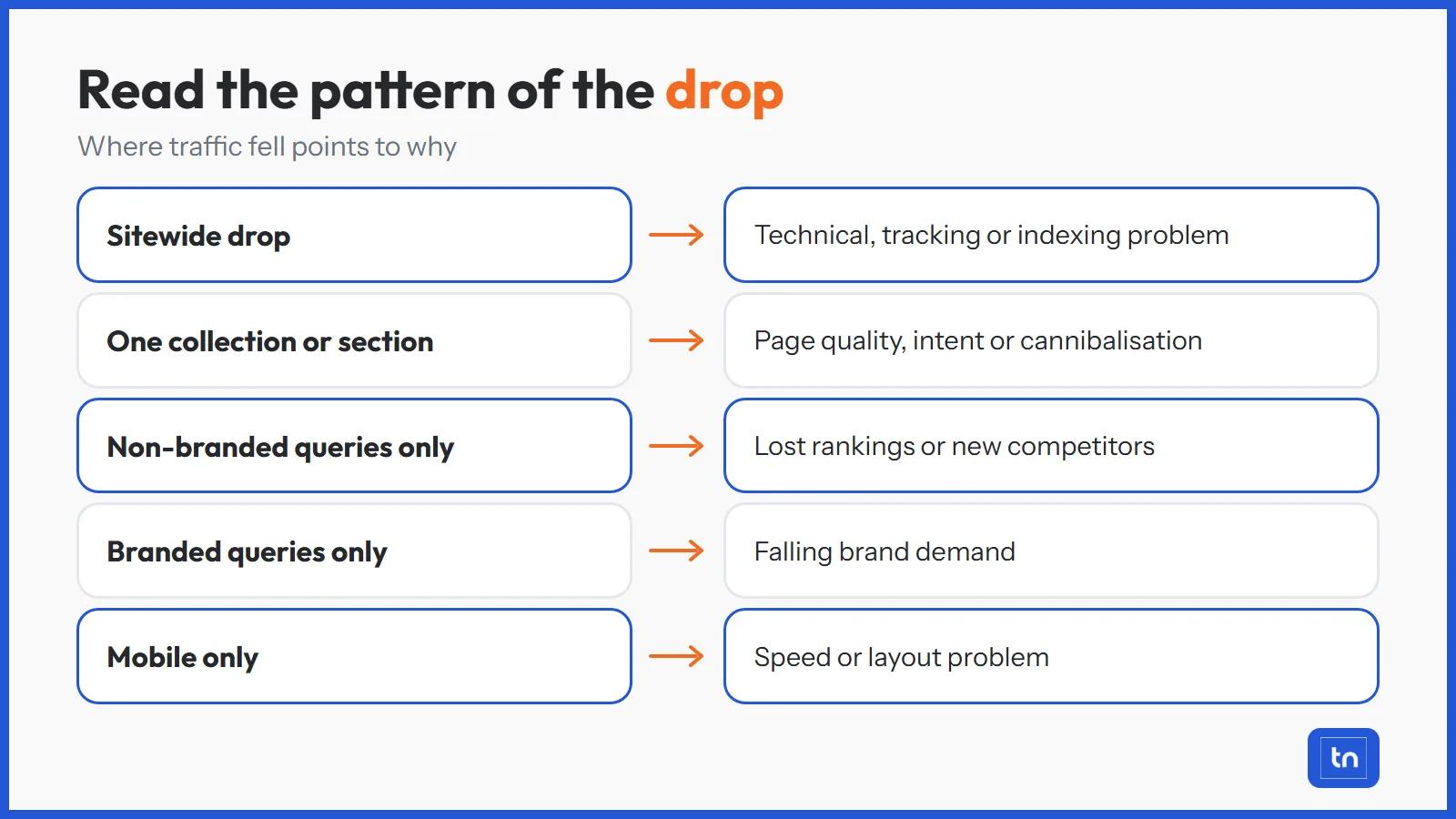
Open Google Search Console and compare the drop period with the same length of time before it. Then split the data so the pattern shows itself.
- Sitewide or section: a fall across every page points to a technical, tracking or site level cause, while a fall in one collection points to a page level cause.
- Branded or non-branded: a drop in non-branded queries means you lost ranking visibility, while a drop in branded queries often means demand fell.
- Device and country: a mobile only drop usually points to a speed or layout problem.
- Date: note the exact day, then check whether you changed anything the same week.
2. Rule out tracking and reporting problems
Sometimes traffic has not dropped at all. A broken analytics tag, a new cookie banner or a platform migration can remove sessions from your reports. Compare analytics sessions with Search Console clicks. If clicks are stable but sessions fell, fix the tracking before doing anything else.
3. Check indexing and page status
Open the Pages report in Search Console and look for a jump in “Crawled, currently not indexed”, “Excluded by noindex tag” or “Duplicate without user-selected canonical”. Spot check your top revenue URLs with the URL Inspection tool. A page that is not indexed cannot earn traffic.
Which Technical Problems Cause Ecommerce Traffic Drops?
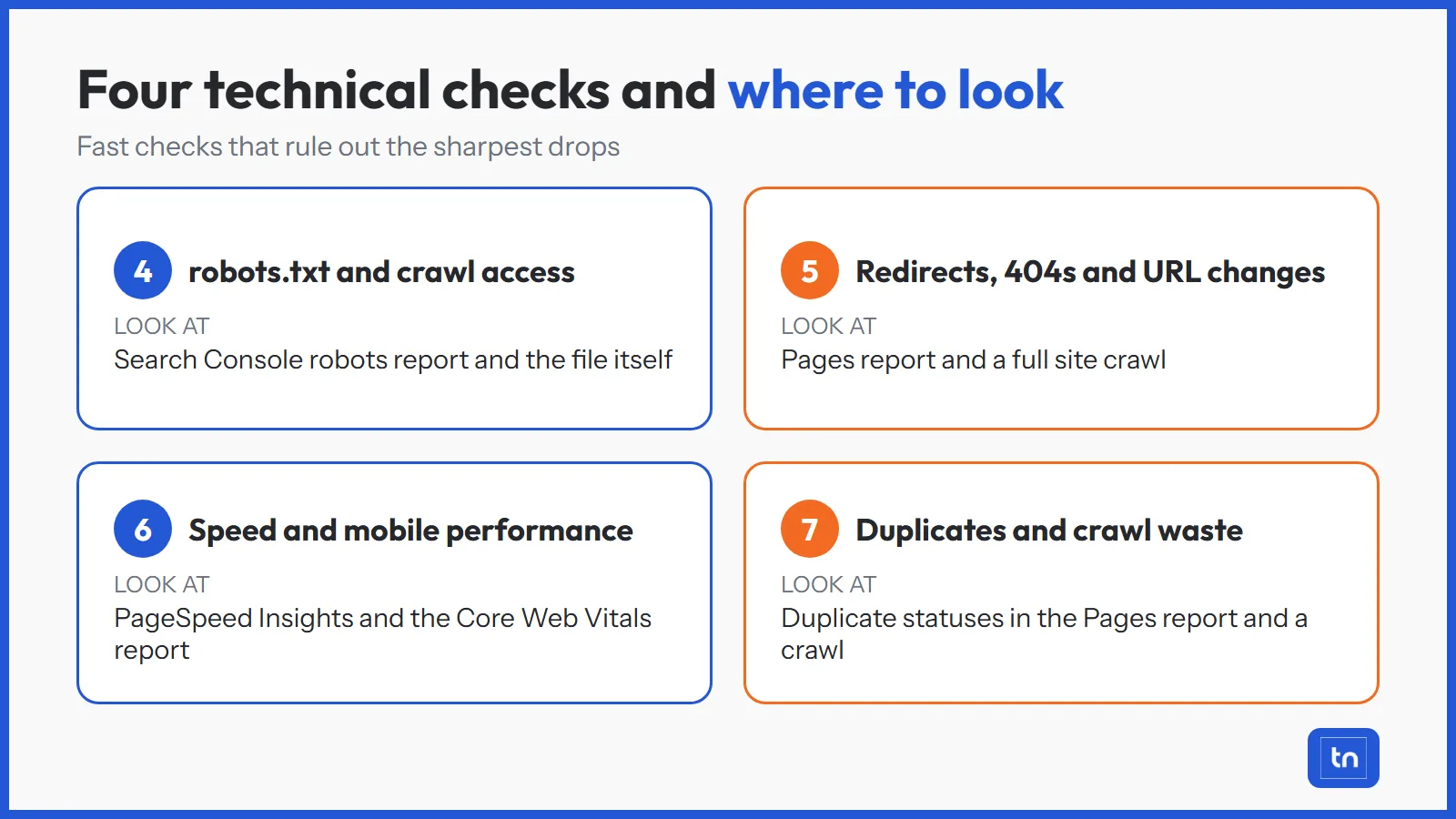
Technical problems cause the sharpest and fastest drops, because they affect many pages at once. Work through these four in order.
4. Check robots.txt and crawl access
A single wrong line in robots.txt can block collections or products from being crawled. Check the robots report in Search Console and read the file for broad rules that block more than intended. Our technical SEO services start with this check because it is quick and the damage is severe.
5. Review redirects, 404 errors and URL changes
Traffic often falls after a migration, a theme change or a catalogue tidy up. Look for deleted products returning 404 errors, redirect chains and redirect loops, and URLs that changed without a 301 redirect. Every broken URL that had rankings or backlinks loses both.
6. Test page speed and mobile performance
Slow pages lose rankings and shoppers. Run your key templates through PageSpeed Insights and check the Core Web Vitals report in Search Console.
- Check Largest Contentful Paint on collection and product pages.
- Remove apps and scripts you no longer use.
- Test on a real phone, not only on a desktop browser.
7. Look for duplicate content and crawl waste
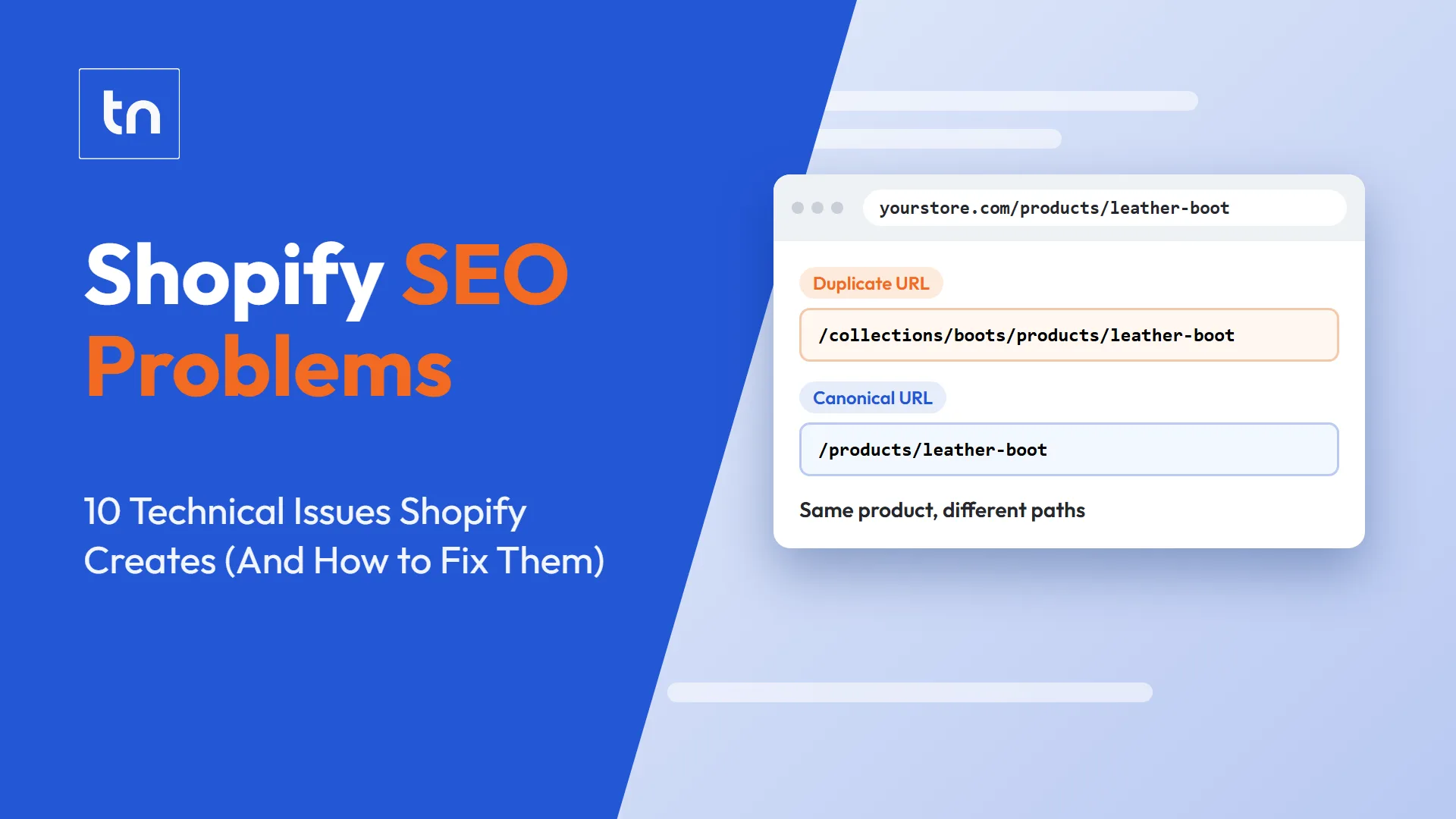
Filters, sort options, tracking parameters and variants can create thousands of near identical URLs that dilute rankings and eat crawl budget. The platform matters here. Our guide to Shopify SEO problems shows how default URL structures cause this on Shopify stores.
Which Content and Keyword Issues Cause Ecommerce Traffic Drops?
If the technical checks come back clean, the cause is usually on the page or in the keyword targeting. These problems build slowly, which is why they often show up as a steady decline and not a sudden drop.
8. Audit collection and product page quality
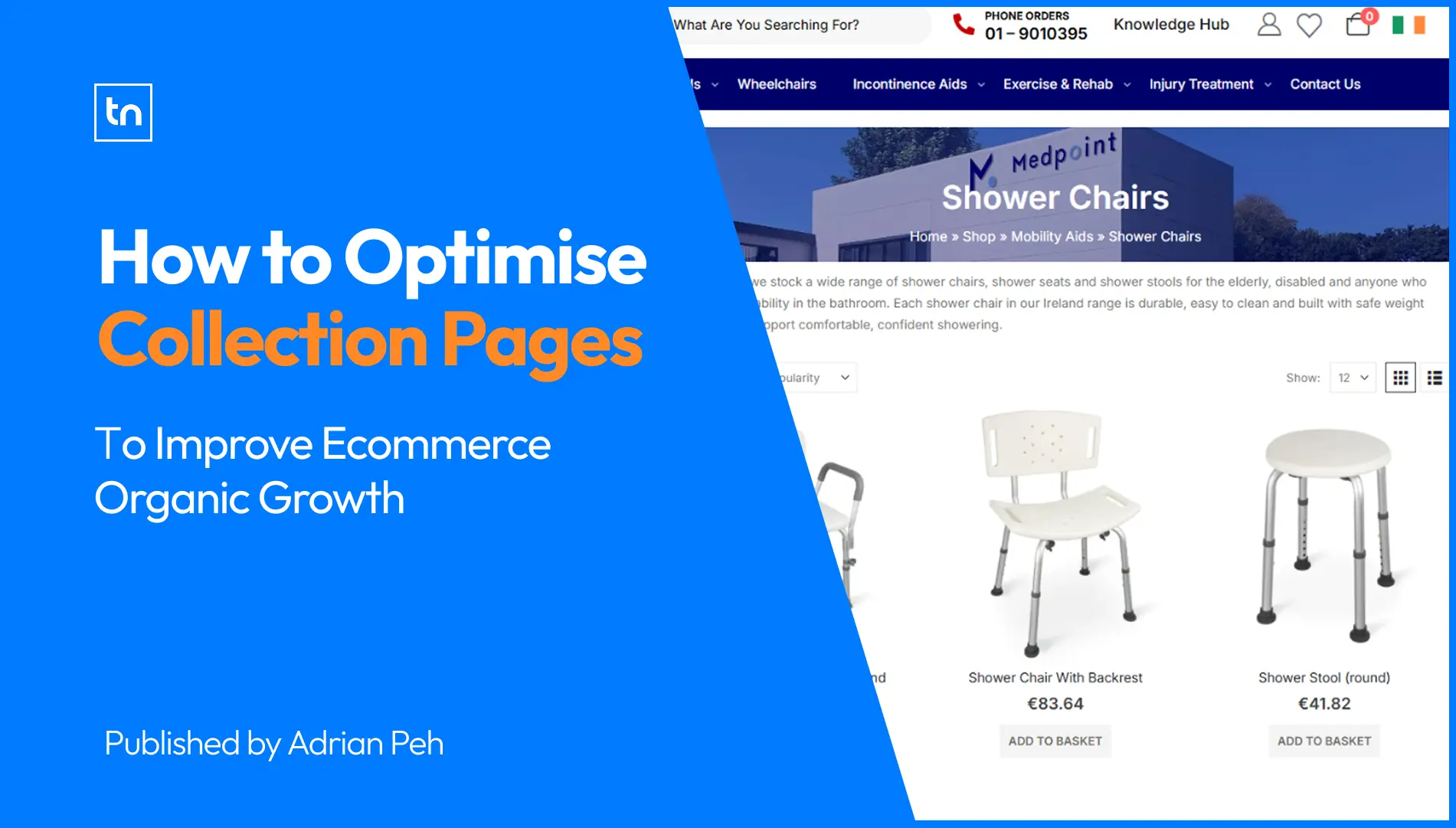
Collection pages usually carry the most commercial value, so check them first. Look for empty or copied descriptions, near duplicate pages competing for the same keyword and pages that no longer match what searchers want. Our guide on how to optimise collection pages covers what a strong page needs.
9. Re-check keyword targeting and search intent
Search results change. A query that used to show product pages may now show guides or marketplaces. Compare your lost keywords against what currently ranks. If the intent shifted, the page needs to change with it. Targeting terms that are too broad or too competitive for your site is another common cause.
10. Review internal linking and site structure
Weak internal linking leaves important collections with little authority, and pages that sit deep in the site are crawled less often. Check that priority collections and products are reachable within two or three clicks and that links use clear, descriptive anchor text. Our on-page SEO services include this structure work.
Which Off-Site and Search Changes Cause Traffic Drops?
Some causes sit outside your site. Check these last, because you can only fix them once you have ruled out the problems you control.
11. Check backlinks, spam and manual actions
Review the Manual Actions and Security Issues reports in Search Console. Then check your backlink profile for lost links from strong sites and for a sudden rise in spammy links. Also look for injected content, such as hidden text or unfamiliar pages added to your categories, which can follow a hack or a poor quality plugin.
12. Look at algorithm updates, AI Overviews and competitors
Compare your drop date with known Google updates. Then search your lost keywords yourself. Look for new competitors, new result types and AI Overviews that answer the question above your listing. Clicks can fall even when rankings hold. If AI summaries are taking your clicks, our AI SEO services work on being the source those answers name.
What Does This Look Like in a Real Ecommerce Audit?
Two of our case studies show the pattern. Medpoint, an Irish mobility and physio retailer, lost more than 90% of its clicks within two weeks. Our Medpoint recovery case study explains how the audit found the causes:
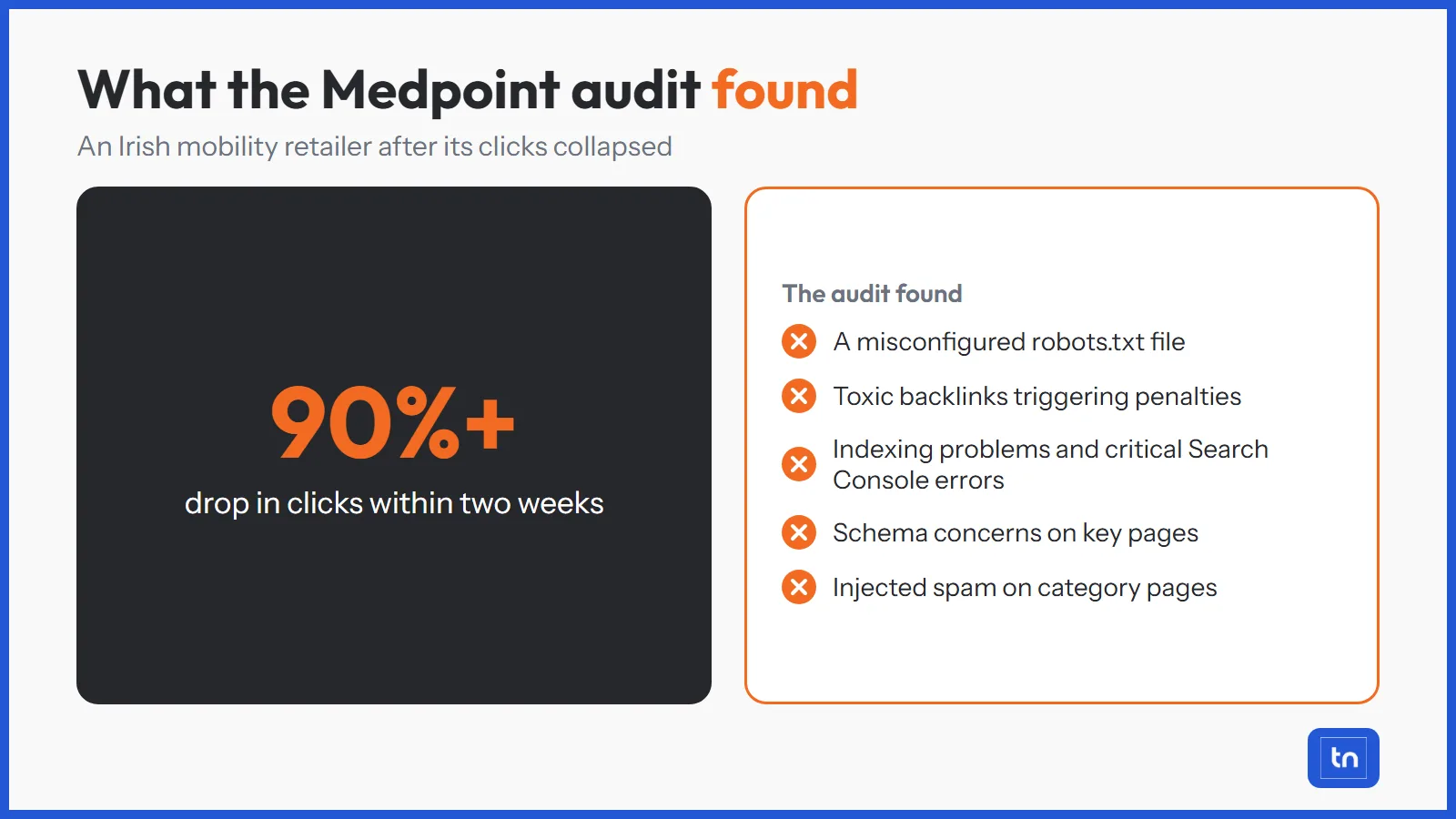
- A misconfigured robots.txt file.
- Toxic backlinks triggering penalties.
- Indexing problems and critical errors in Search Console.
- Schema concerns on key pages.
- Injected spam content on category pages.
The second was an Australian hamper and gift store with a steady decline in organic traffic, covered in our Australian Shopify case study. There the causes were misaligned keyword targeting, weak internal linking on collection pages and mobile performance issues. One was a sudden technical collapse and the other a slow content decline, and the same audit order found both.
How Do You Prioritise the Fixes After the Audit?
Fix problems in order of revenue impact, not in the order you found them. A blocked collection that earns sales matters more than a slow blog post.
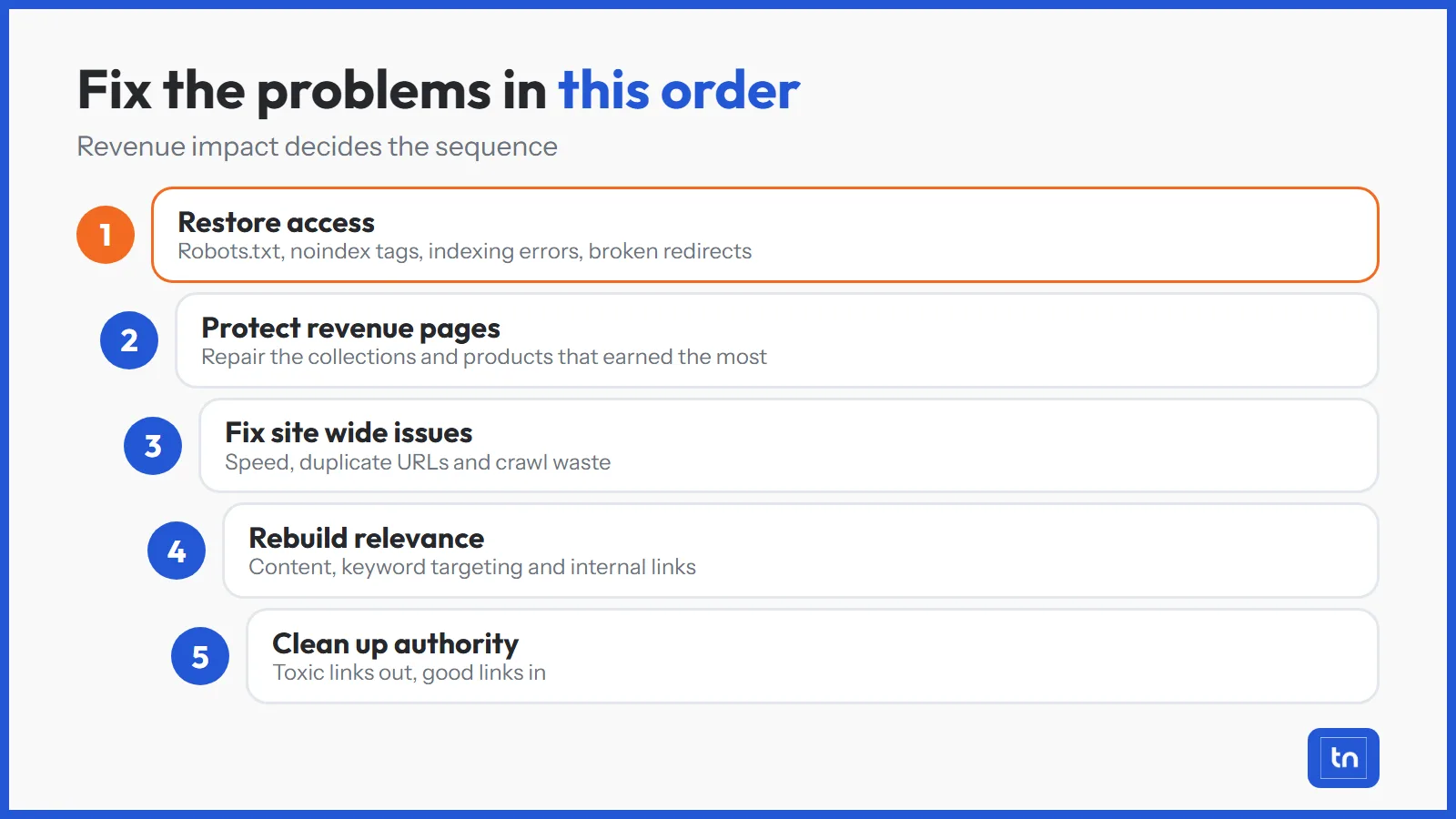
- Restore access. Fix robots.txt, noindex tags, indexing errors and broken redirects first.
- Protect revenue pages. Repair the collections and products that earned the most before the drop.
- Fix site wide issues. Handle speed, duplicate URLs and crawl waste.
- Rebuild relevance. Update content, keyword targeting and internal links.
- Clean up authority. Deal with toxic links and rebuild good ones.
A website SEO audit that covers these 12 areas gives you a ranked list of fixes, so the work starts with what moves revenue.
Conclusion
An ecommerce SEO audit works because it replaces guesswork with a fixed order: confirm the drop, rule out access and tracking problems, then work through technical, content and off-site causes. Most traffic drops come from a small number of issues, and finding them early keeps the damage small.
Run the checks in order, fix by revenue impact and measure after each change. A store that audits regularly spots small declines before they become expensive ones, and an ecommerce SEO agency can run the same process alongside your team.
Frequently Asked Questions
Sudden drops usually come from technical changes such as blocked crawling, noindex tags, broken redirects or tracking errors, or from a Google update. Check Search Console first to see whether clicks fell or only sessions fell, then look at what changed on your site that week.
Most ecommerce drops are not caused by updates. Site changes, migrations, deleted products, slow pages, lost backlinks, new competitors and changes to the search results all reduce traffic. Compare the drop date with your own release and content changes before blaming an algorithm.
That points to a relevance or conversion problem, not a traffic problem. Check that traffic is landing on commercial collections and products and not only on guides, and compare conversion rate by landing page. Rankings for low intent terms can lift traffic without lifting sales.
Fix the issues in order of revenue impact. Restore crawling and indexing first, then repair your top collections and products, then improve content, internal links and authority. Recheck Search Console after each change so you know what worked.
No. AI summaries answer some questions without a click, but AI platforms still draw on pages that rank, load and earn trust. Ecommerce stores need both strong traditional SEO and clear content that AI answers can quote.